
How to Ship React Native Updates Without App Store Delays
Bypass App Store Delays
Every React Native developer knows the pain: you've fixed a critical bug, but Apple's review process means users won't see the fix for days.
The "App Store Tax" isn't just about the 30% fee—it's about the time tax. Waiting 48 hours for a review can cost thousands in lost revenue or user trust.
By using Over-The-Air (OTA) updates, you can ship JavaScript bundle changes directly to users, skipping the queue entirely.
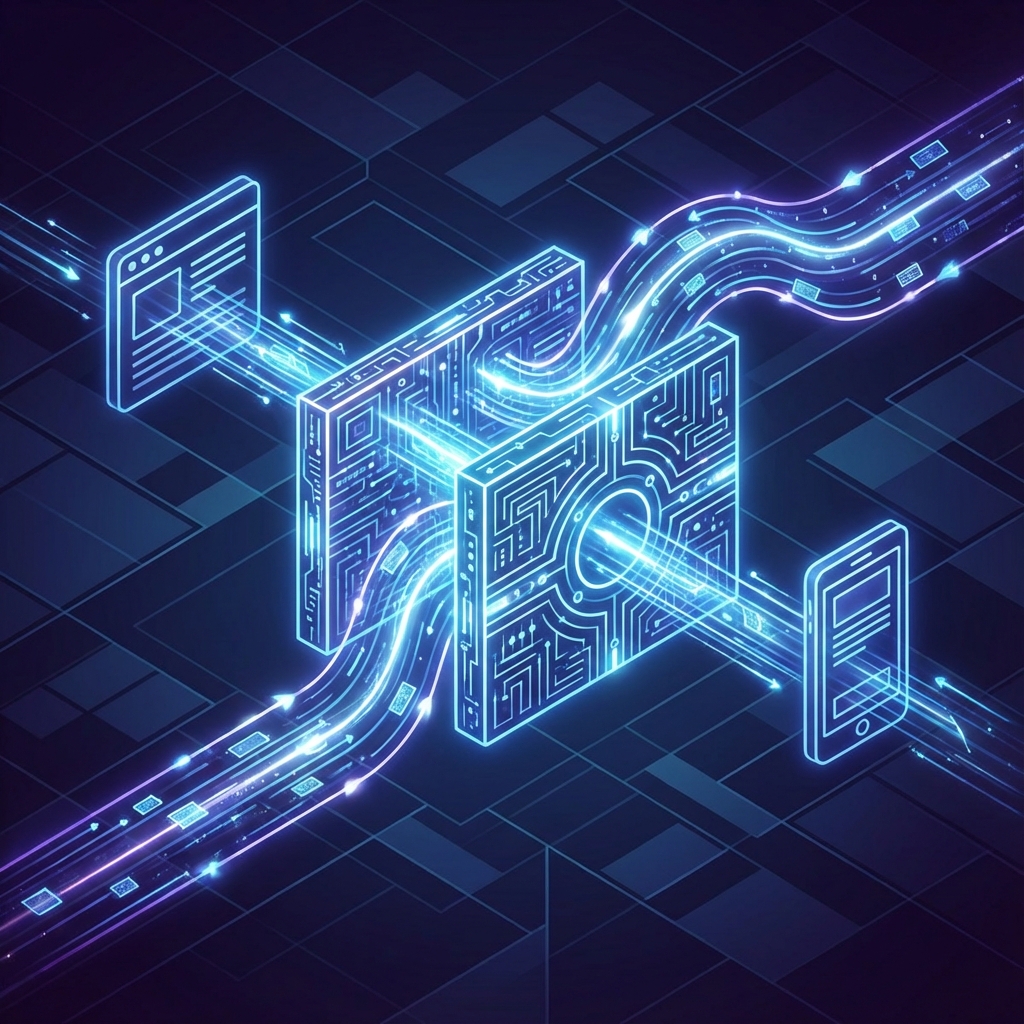
The Architecture of an Instant Update
- Bundle Creation: You build your React Native JS bundle locally or in CI.
- Upload: The bundle is uploaded to Upflux's global CDN.
- Discovery: Your app queries Upflux on startup.
- Download & Patch: The app downloads the new bundle and reloads the React instance.
Step-by-Step Setup Guide
Let's get you set up with Upflux in less than 5 minutes.
Step 1: Install the CLI
First, get our command-line tool.
npm install -g @upfluxhq/cliStep 2: Create an App
Log in and create your project.
upflux login
upflux app create --name "My Awesome App" --platform react-native
Step 3: Install the SDK
Add the library to your React Native project.
npm install @upfluxhq/react-nativeStep 4: Configure the Provider
Wrap your root component or initialize in App.tsx.
import { Upflux } from '@upfluxhq/react-native';

const upflux = new Upflux({
  appId: 'your-app-id-from-dashboard',
  deployment: 'production',
  clientKey: 'upx_cli_xxxxx',
  serverUrl: 'https://api.upflux.in'
});

// Run this when the app mounts
const initUpdates = async () => {
    try {
        await upflux.init();
        const update = await upflux.checkForUpdates();
        if (update.updateAvailable) {
            await upflux.downloadUpdate(update);
            await upflux.applyUpdate(update); // Reloads the app
        }
    } catch (e) {
        console.error("Update failed", e);
    }
};

initUpdates();
Step 5: Release Your First Update
Change some text in your app, then run:
upflux release --label v1.1.0 --rollout 100 --description "Fixed the login crash"Your users will see the update the next time they open the app.
Best Practices for Instant Updates
1. Gradual Rollouts
Don't push a buggy update to everyone. Start small.
upflux release --rollout 10 --label v1.1.0-beta2. Mandatory vs. Optional
For critical security fixes, mark the update as Mandatory. This forces the app to update immediately, even interrupting the user if configured to do so.
3. Semantic Versioning
Always match your OTA release versions with your binary versions to track what code is running where.
Ready for Speed?
Stop waiting for Apple. Get started with Upflux and take control of your release cycle.
Ready to ship updates faster?
Start pushing OTA updates to your app in minutes with Upflux.
Related Articles

What is OTA Updates and Why Your React Native App Needs Them
Learn how over-the-air updates can transform your React Native development workflow, enabling instant deployments without app store delays.

CodePush Alternative: Why Developers Are Switching to Upflux
Microsoft deprecated CodePush support. Discover why Upflux is the best alternative for React Native and Capacitor OTA updates.
Capacitor OTA Updates: A Complete Guide
Everything you need to know about implementing over-the-air updates in your Capacitor application with Upflux.